June 16, 2026 Georgia Primary Runoff
The Georgia Matters
The Georgia Matters
Runoff Election Toolkit.
Let’s get to work.
You’re in. Everything is ready. Messaging, graphics, key dates, and guardrails built for trusted leaders like you. Help your community understand the June 16 runoff in five minutes or less.
Ready-to-use graphics
Share Georgia Matters
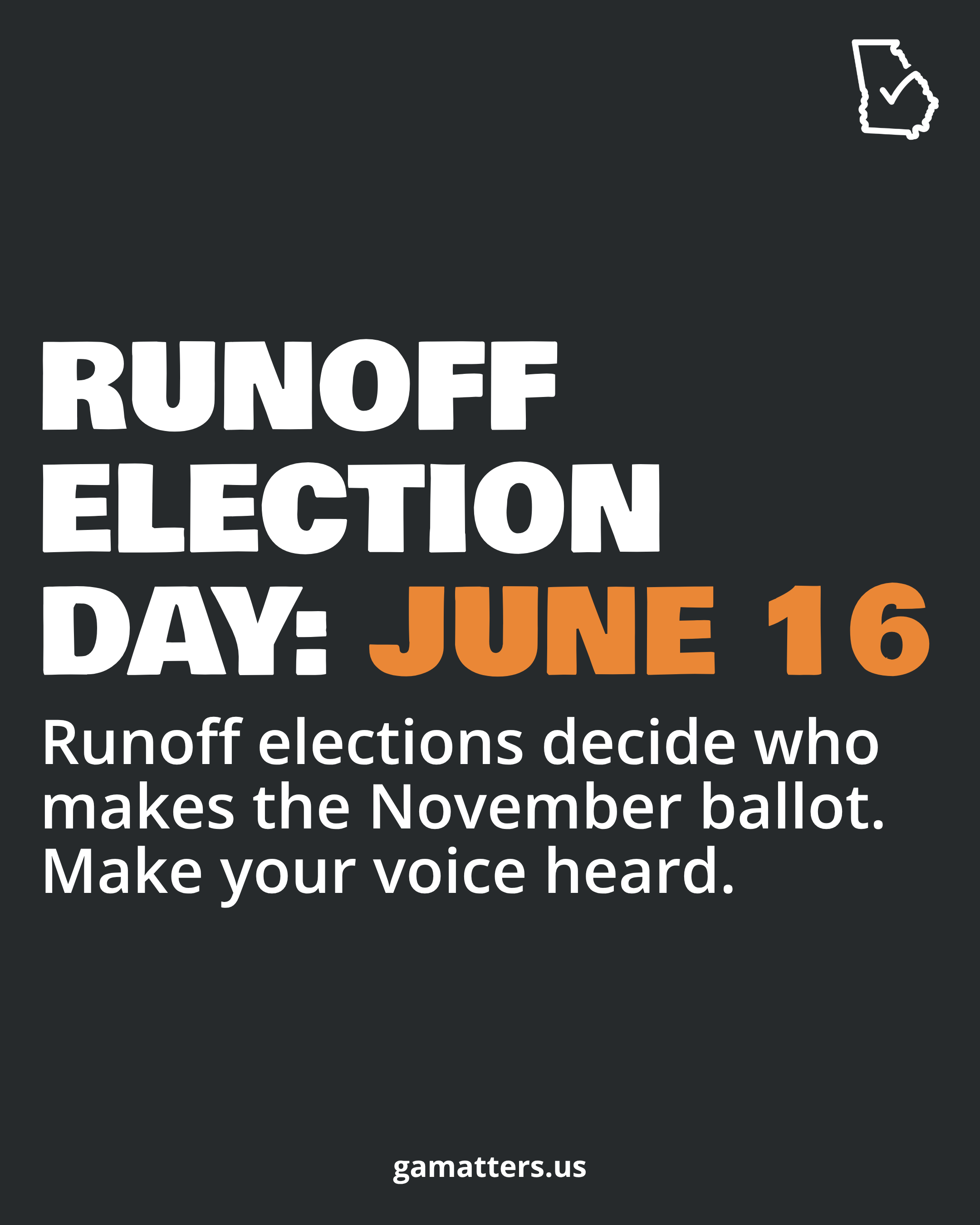



Share Georgia Matters
With Your Network.
Download a finished graphic and post it today -- or open a Canva template and make it your own. Either way, every share helps more Georgians participate in the June 16 runoff.
Nonpartisan reminder: All graphics are for civic education only. Don't add candidate names, party affiliation, or any language that could read as an endorsement.
Each graphic is formatted for Instagram, Facebook, and X. Click to open full size, then right-click or long-press to save.
17 graphics available
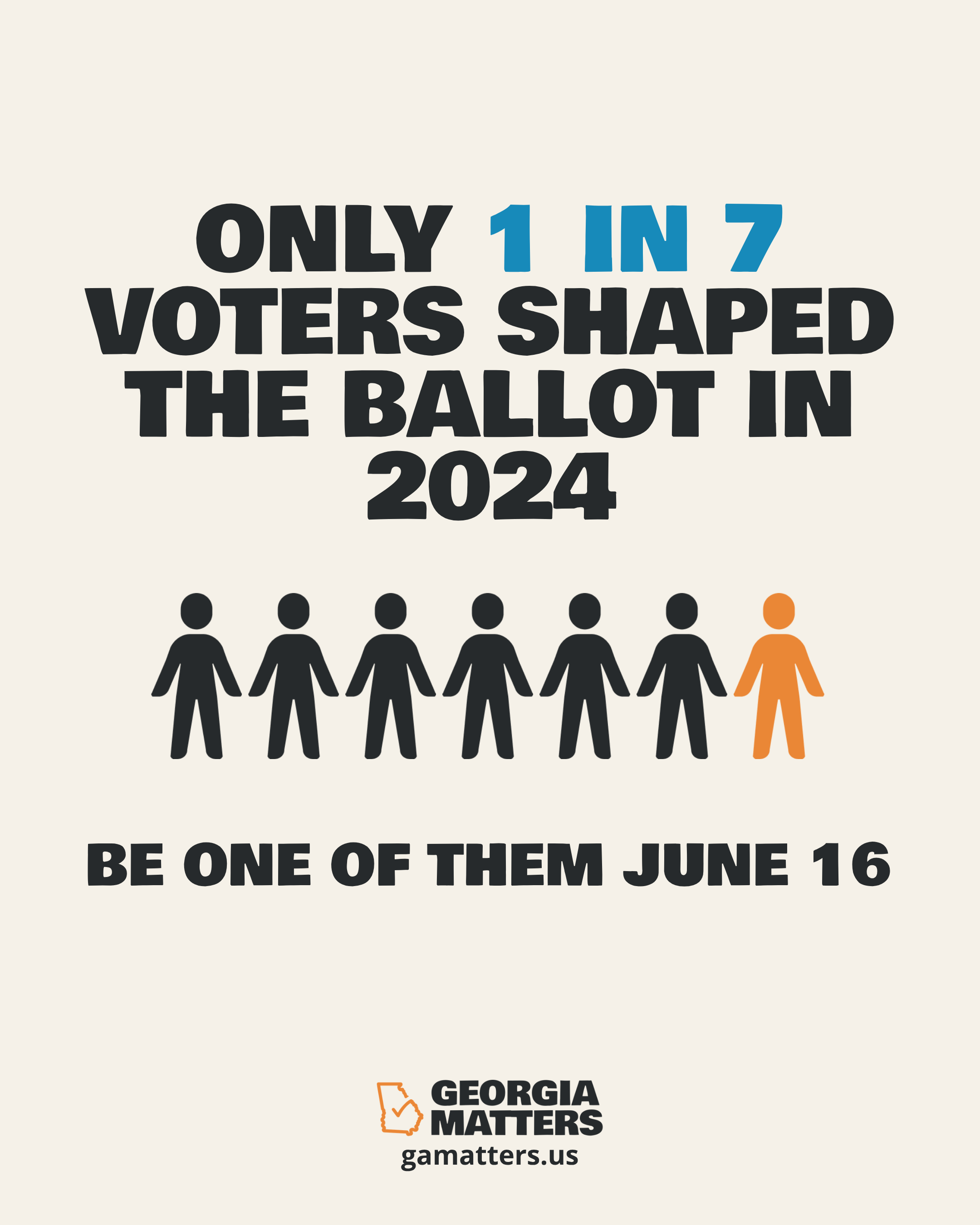
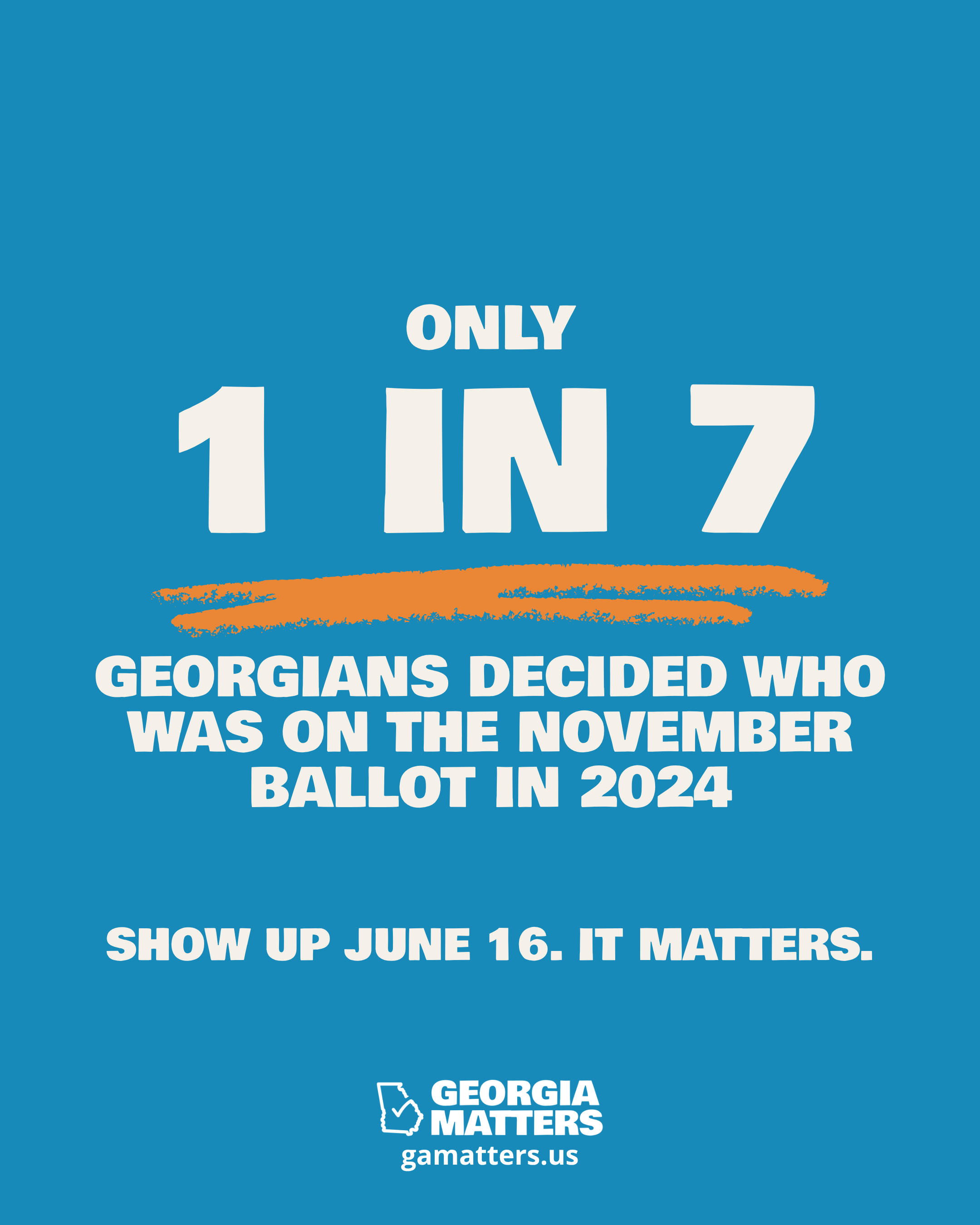
Only 1 in 7 Voted
Save
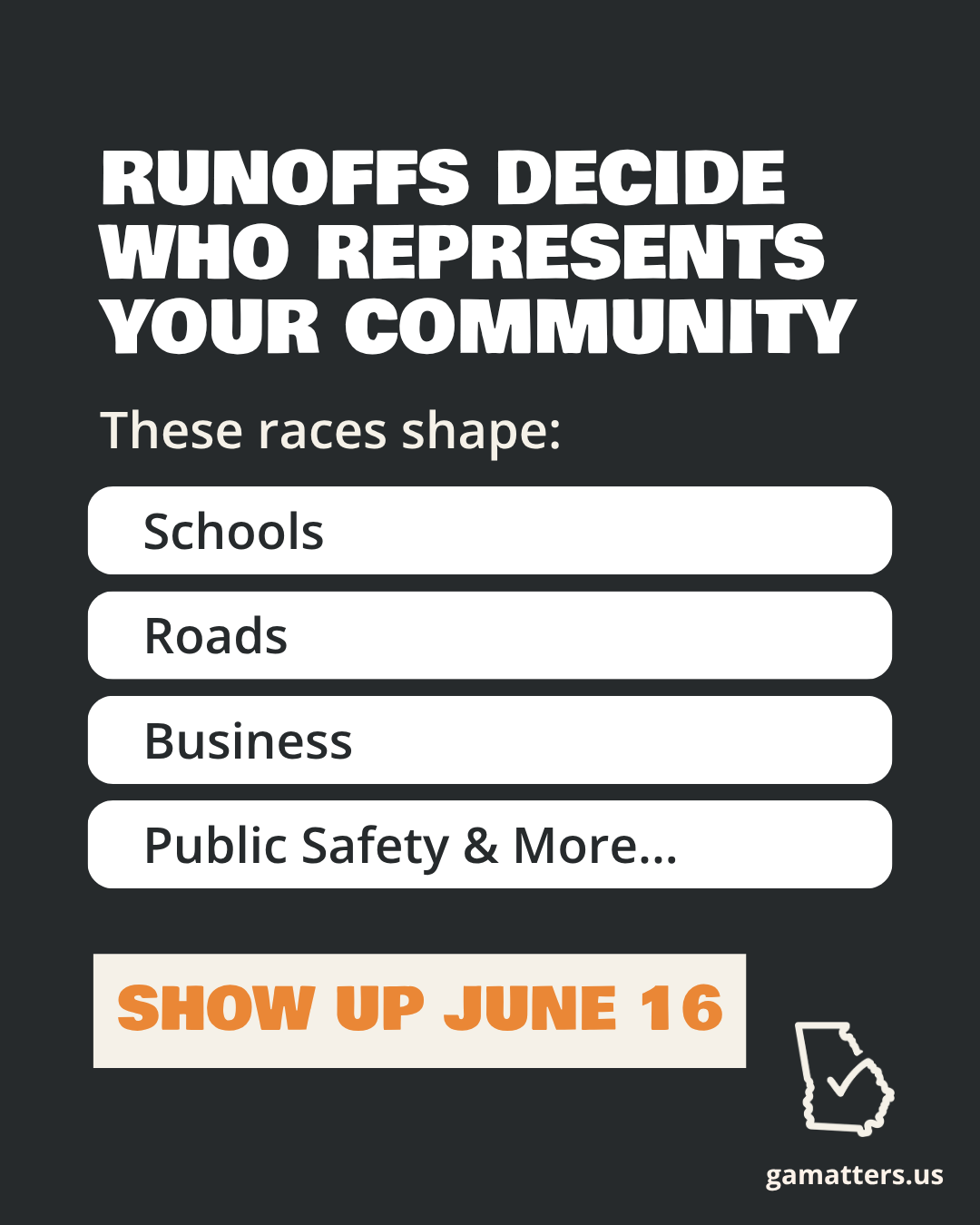
Runoffs Decide Your Community
Save
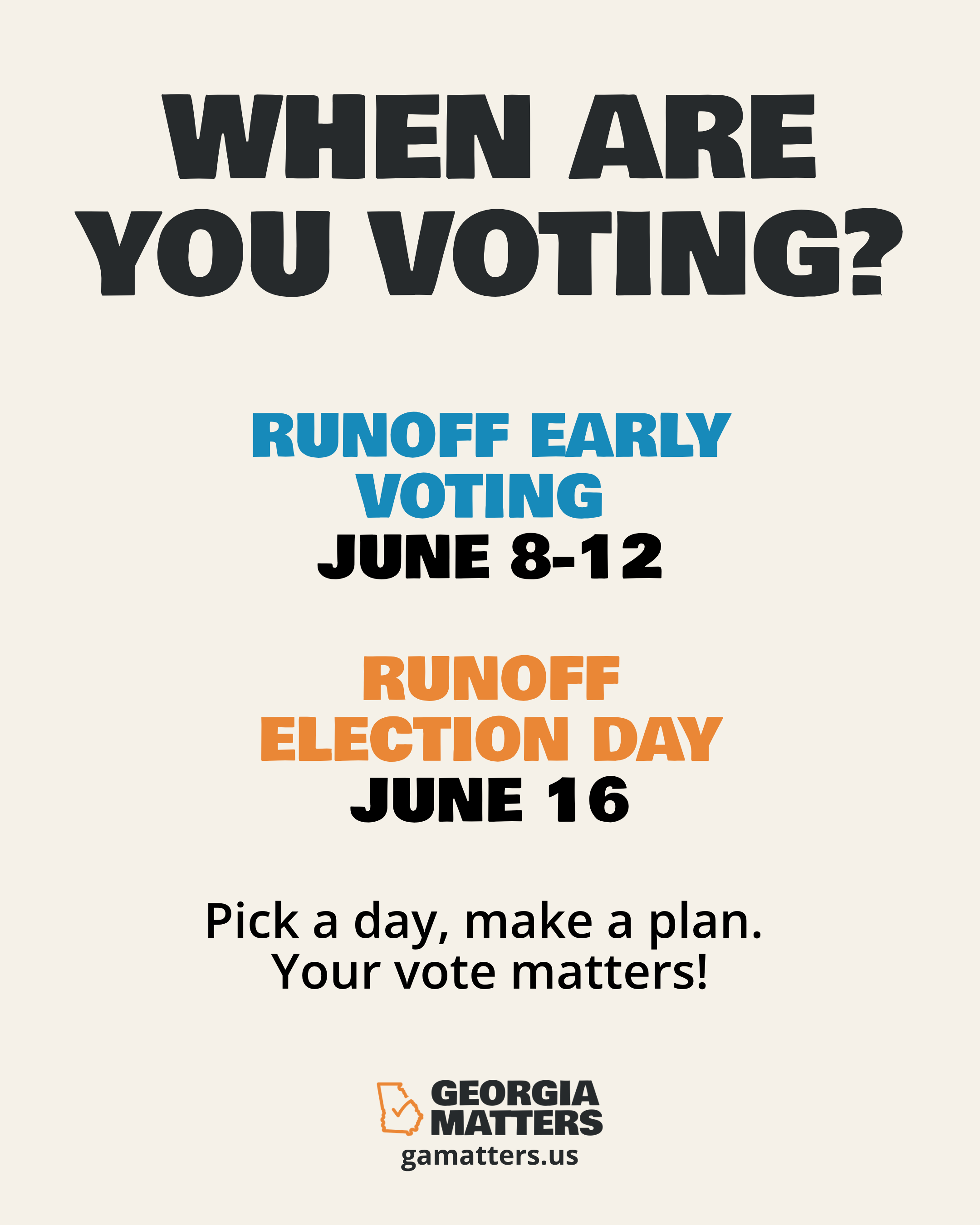
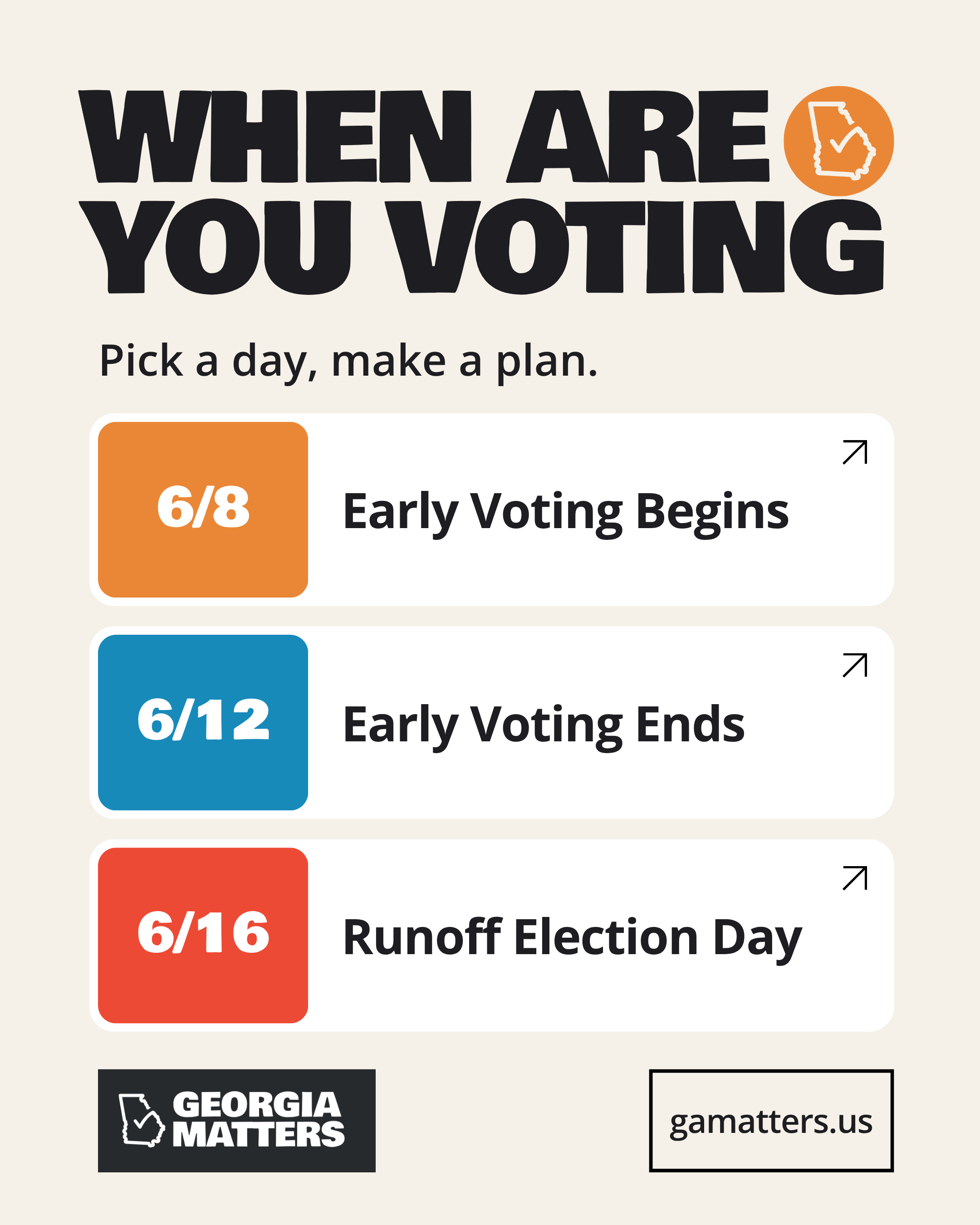
When Are You Voting?
Save
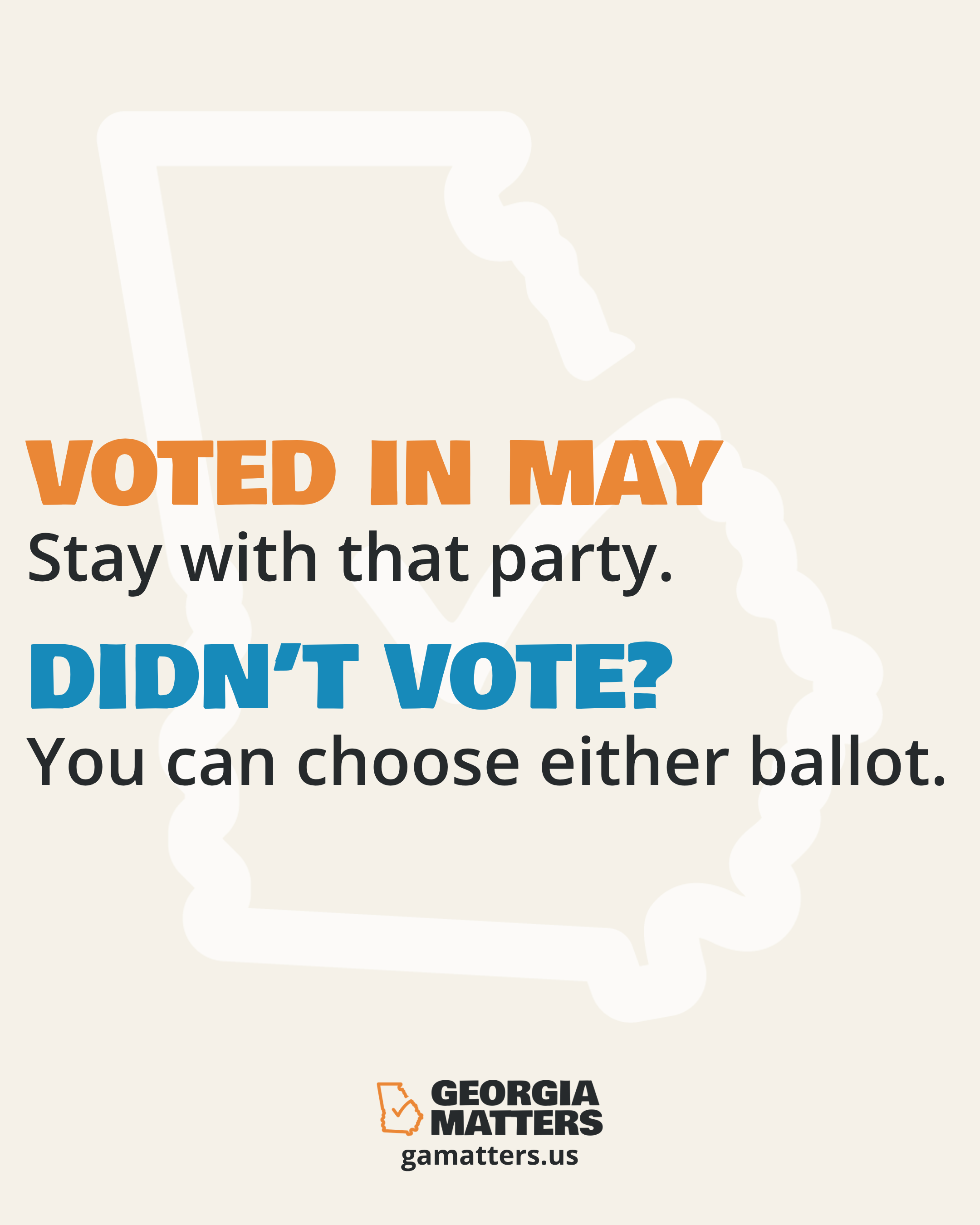
Runoff Independent Voters
Save
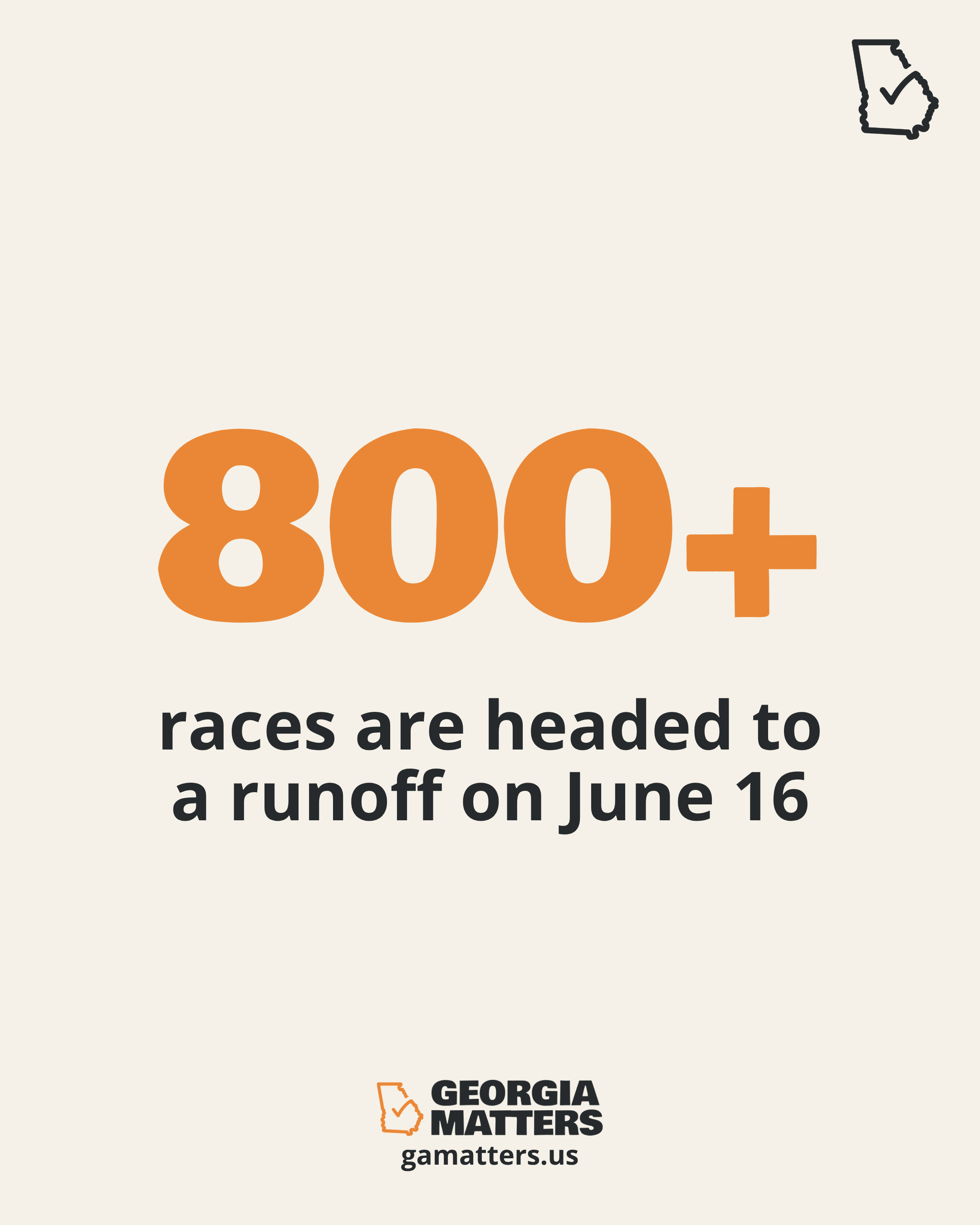
800+ Races
Save
Election Day
Save
Be There
Save
1 in 7
Save
Fastest Way to Understand
Save
No Noise
Save
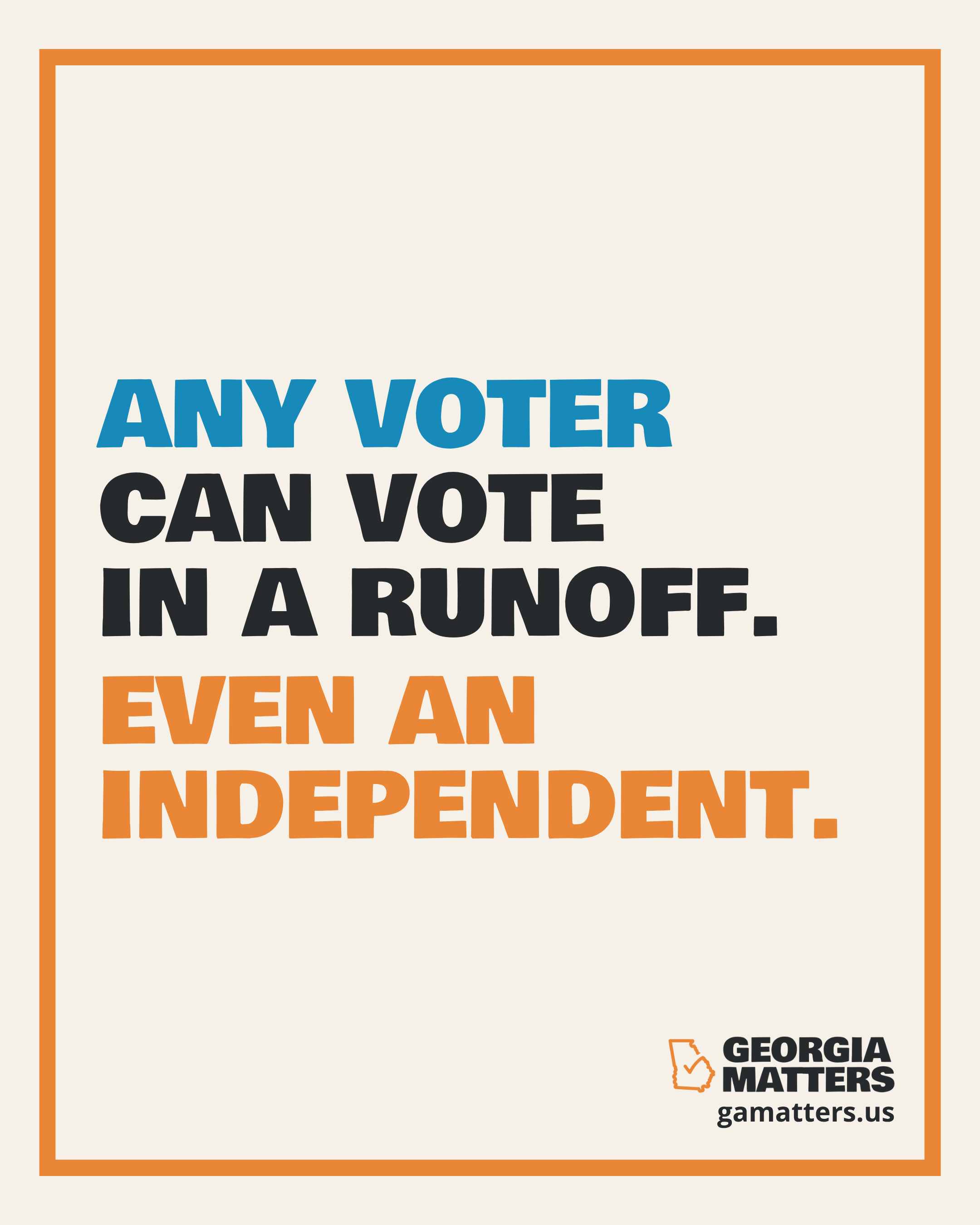
Even an Independent
Save
Spread the Word
Save
Stay in the Know
Save
Key Dates
Save
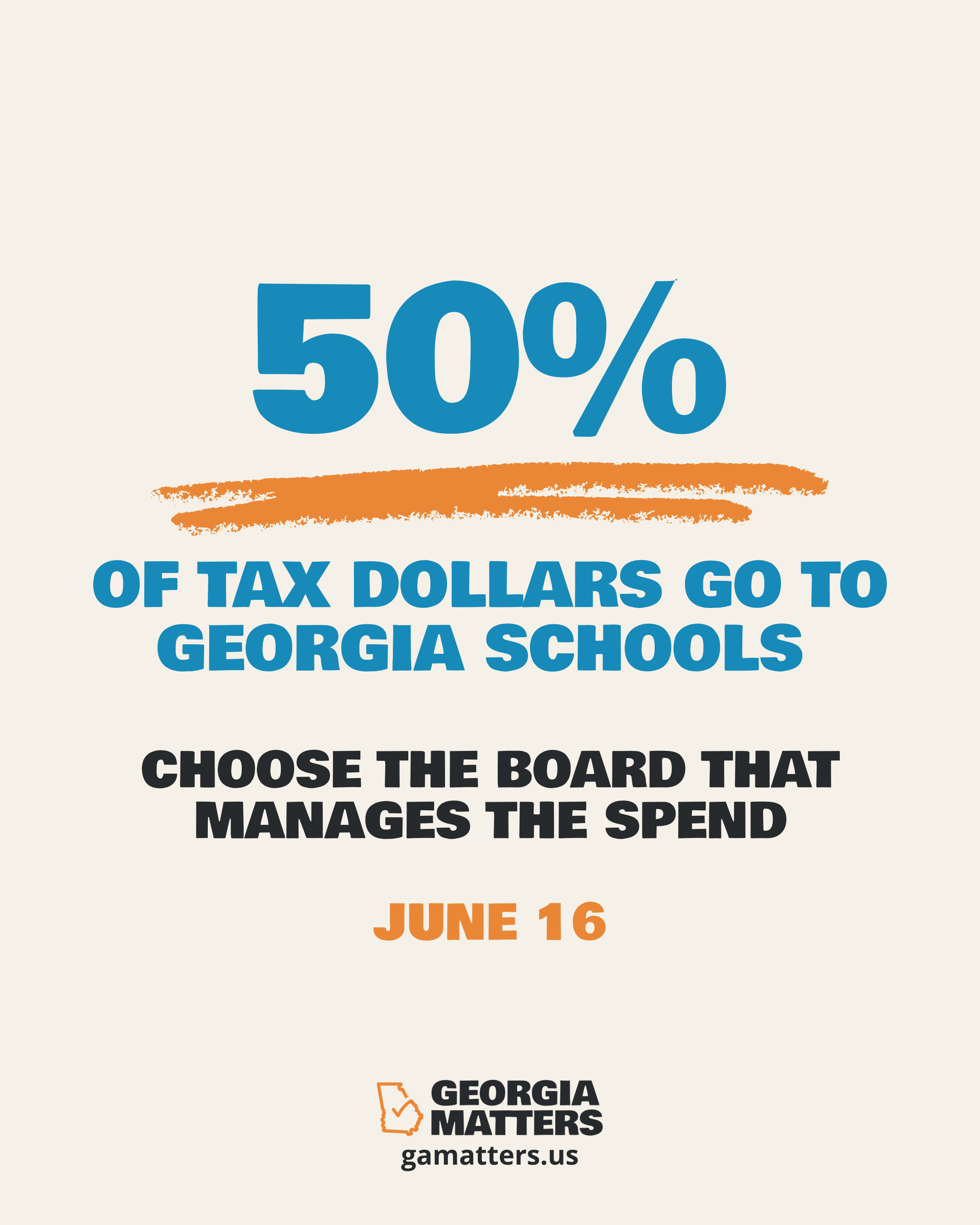
50% of Tax Dollars
Save
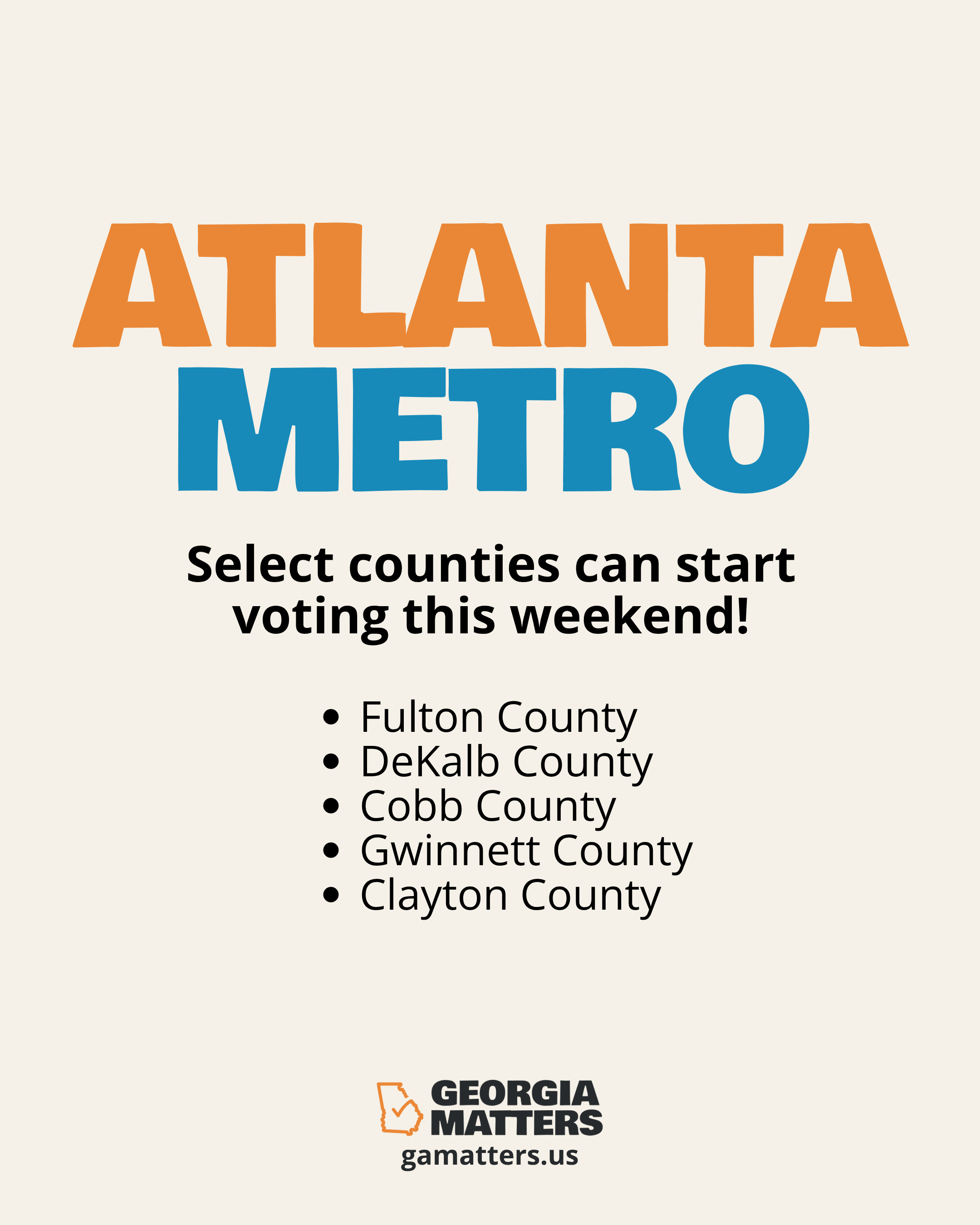
Atlanta Metro Early Voting
Save
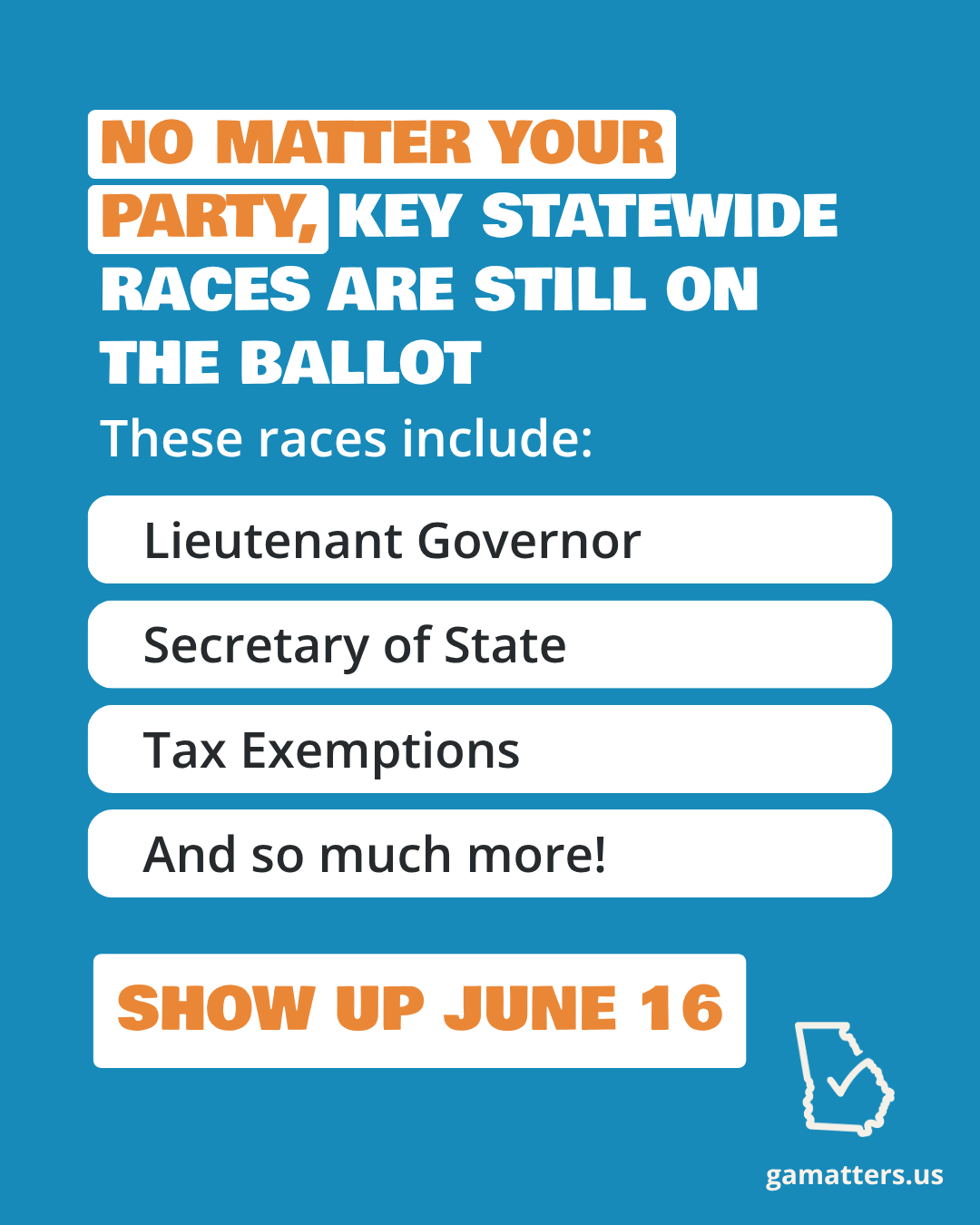
Races on the Ballot
Save
All templates open in Canva for free. Add your name or organization, keep the Georgia Matters branding, and share. No design experience needed.
How to use these templates
1
Open the template -- Click any graphic below. It opens in Canva. Create a free account if you don't have one.
2
Customize it -- Add your name, title, or organization. Keep the Georgia Matters branding and nonpartisan language.
3
Download and share -- Post to social, email, Slack, or print. Every share helps more Georgians participate in the June 16 runoff.
Social Media
Email Graphics
Print Materials
Poster
US Letter · Landscape
Open in Canva →
Poster (Large)
11 × 17 · Portrait
Open in Canva →
Flyer
8.5 × 11 · Portrait
Open in Canva →
Foldable Flyer
8.5 × 11 · Double-sided
Open in Canva →
Postcard
4 × 6 in · Standard
Open in Canva →
Yard Sign
24 × 18 in · Standard
Open in Canva →
T-Shirt Design
Print-ready · Standard
Open in Canva →